OCR for historical and official documents

History, made legible.

Steno turns every correction your team makes into training data. Layout boxes, vertical Chinese text, and multi-annotator review are built in, so the model you serve is the one your archive taught.
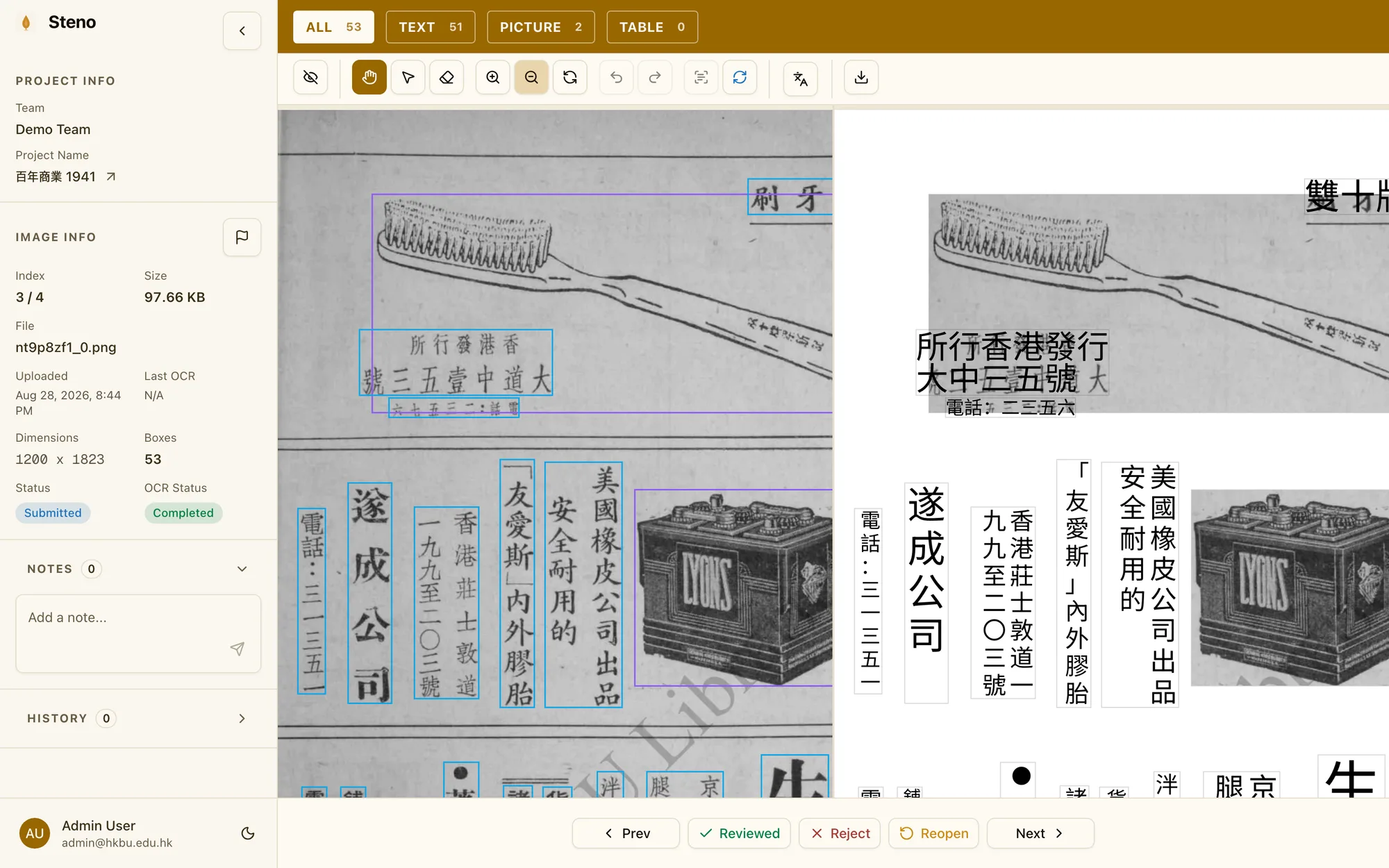
Steno workspace: a scanned page with detected text boxes on the left and the recognised text on the right

Advanced OCR, simple workflows

Adaptable recognition for difficult source material, paired with a review process a whole team can work in.

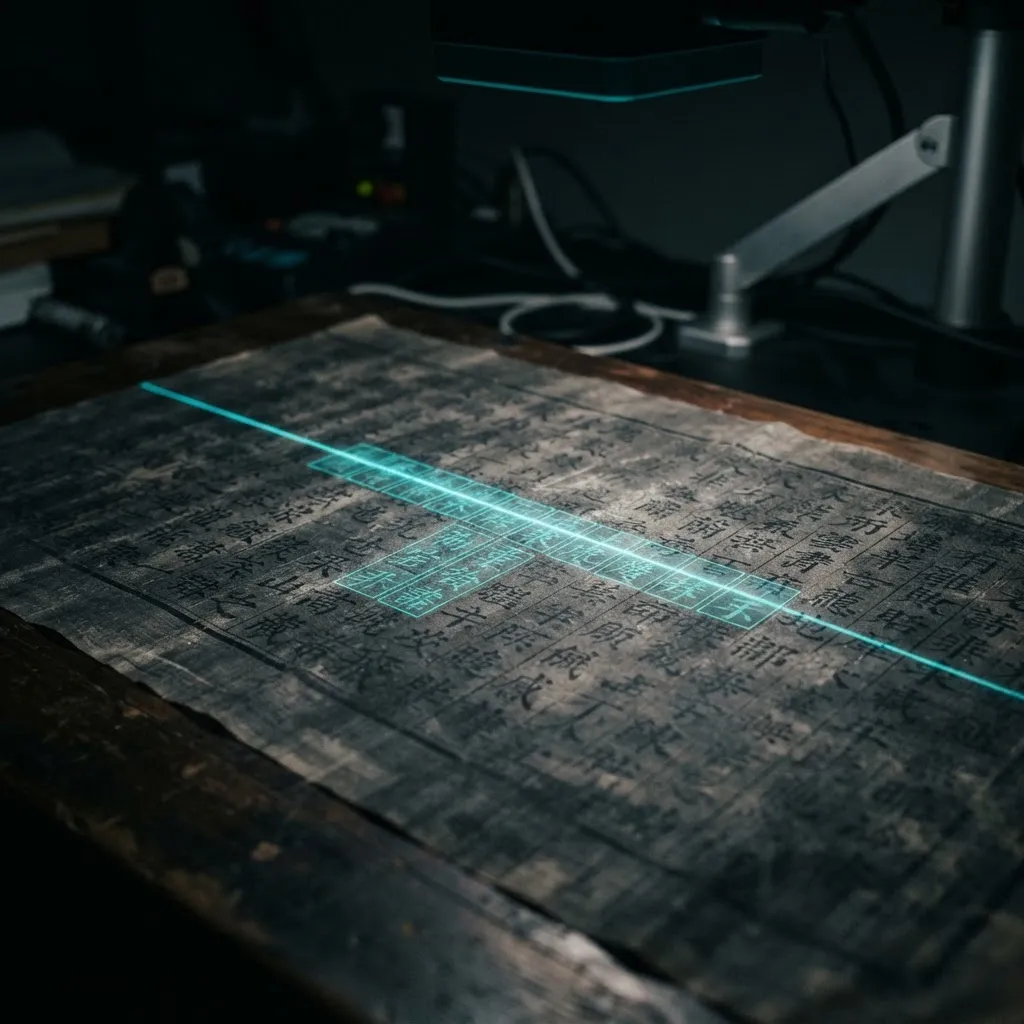
A historical manuscript on a scanner under a scanning beam

Complex document OCR

Printed and handwritten Chinese and English, bilingual pages, tables, vertical columns, and layouts that generic OCR gives up on.
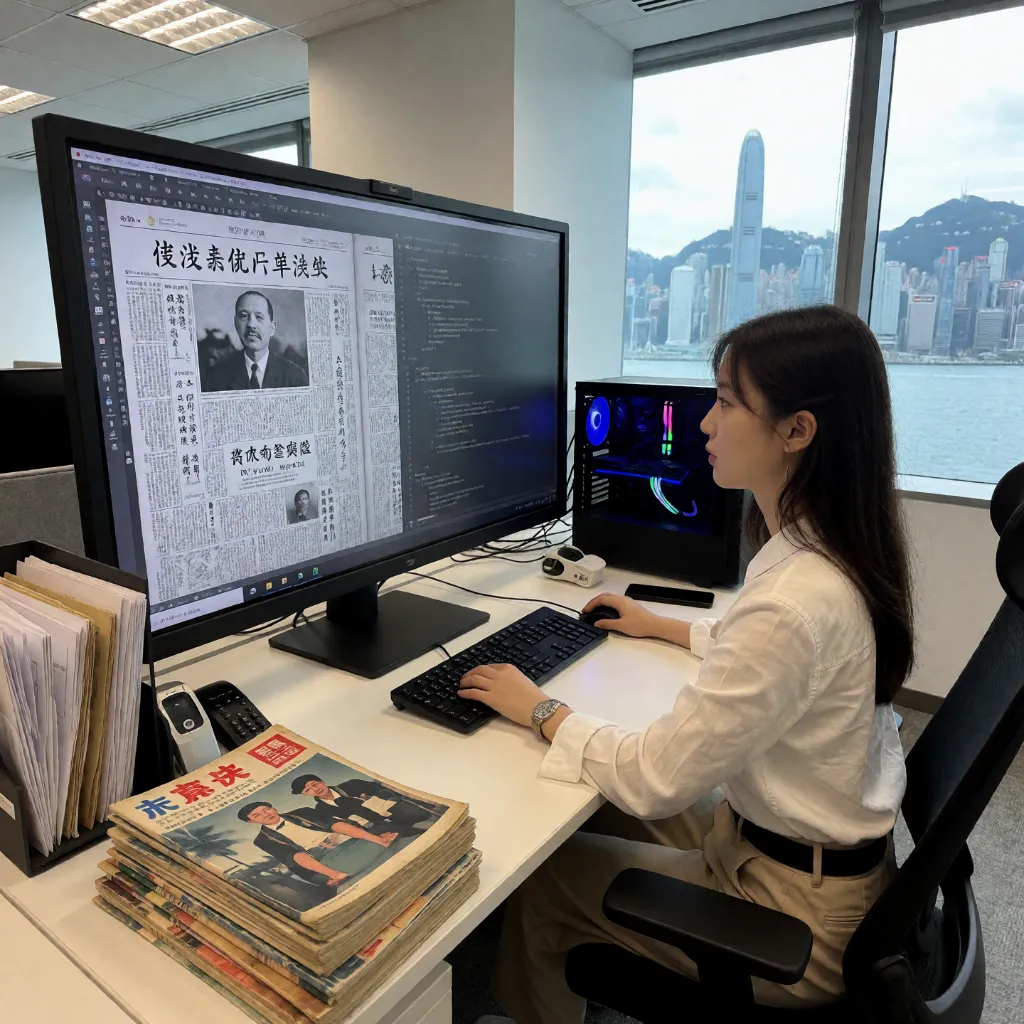
An archive specialist reviewing OCR output of a Chinese newspaper page

Human-led review

Scan and text side by side. Correct content, adjust boxes, recover missed regions, and edit tables without losing their structure.
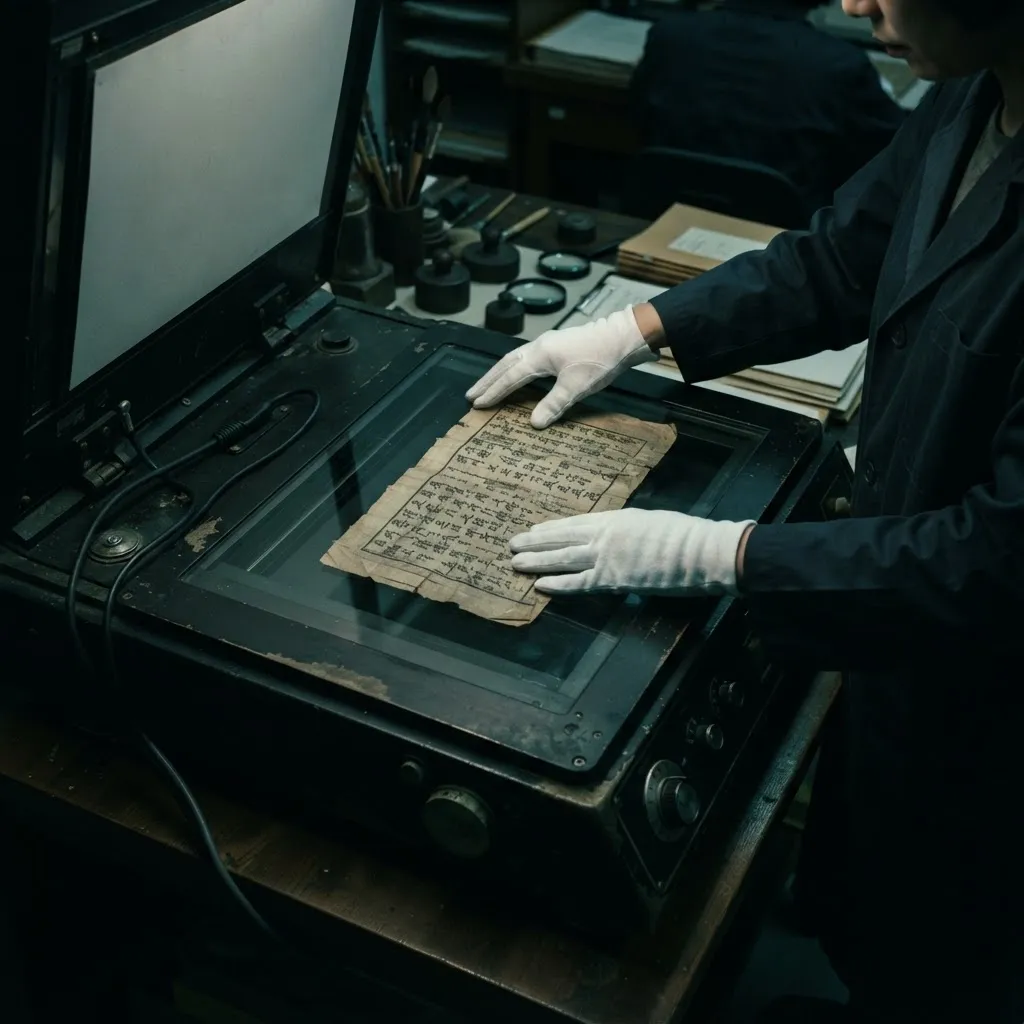
An archivist in white gloves placing a manuscript on a flatbed scanner

Collaborative control

Assign projects, set roles, and follow every page through review with team dashboards that show who did what.
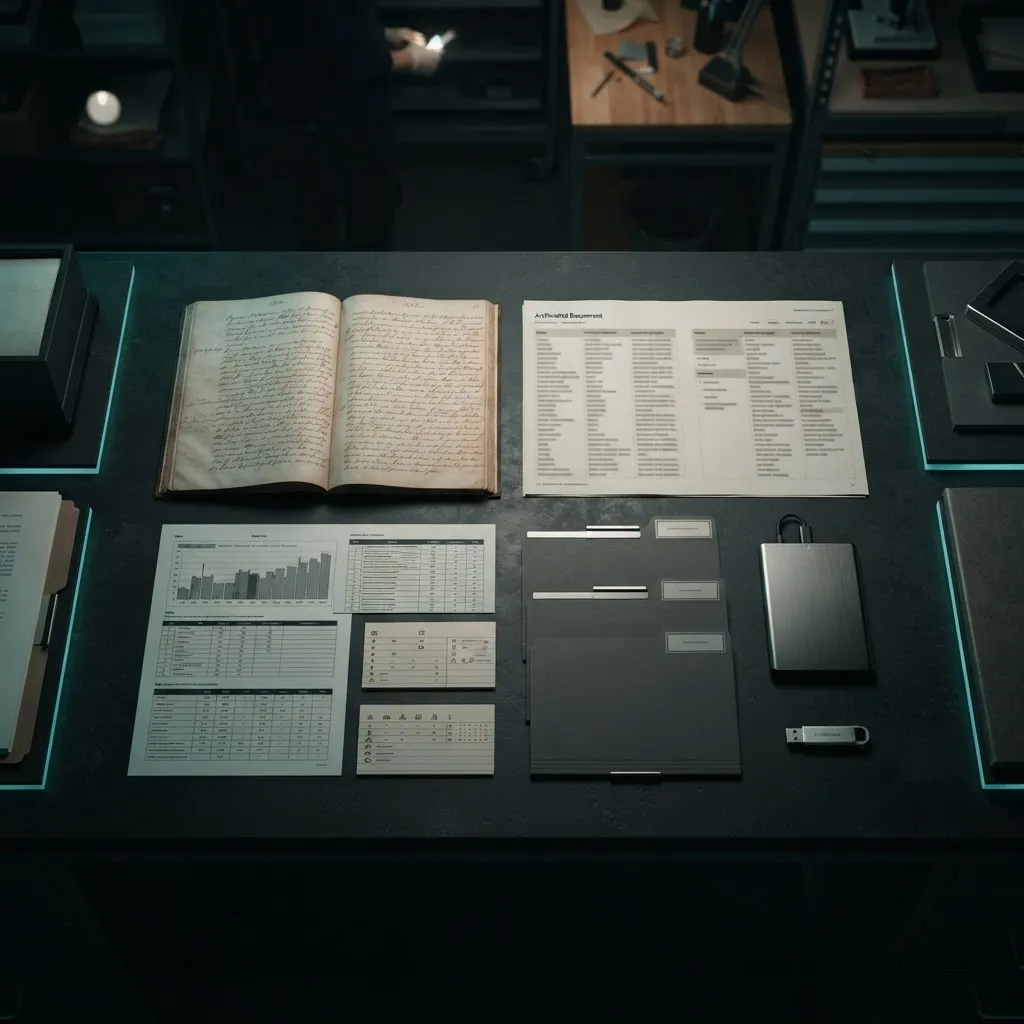
Organised digital and physical archival outputs on a desk

Collection-ready data

Export structured records in open formats, and turn approved pages into training data for a model tuned to your collection.

The loop is the product

One workflow carries a page from first OCR pass to a model fine-tuned on your gold-standard transcriptions.

  1. 01
    Annotate
    Run OCR on scans or PDFs, then fix boxes and text in a canvas built for dense, vertical, and mixed-script pages.
  2. 02
    Review to gold
    Annotators submit; managers review, reject, or lock a page as gold. Every state change is recorded.
  3. 03
    Snapshot the dataset
    Freeze gold pages into an immutable, hashed dataset with a held-out evaluation split baked in.
  4. 04
    Fine-tune
    Train a model version on a snapshot and score it against the held-out split before anyone relies on it.
  5. 05
    Serve and repeat
    Switch your team's OCR to the new version, keep correcting, and the next round starts from a better model.

Review workflow, not just a text box

Transcription quality comes from people checking each other's work. Steno makes that the default.
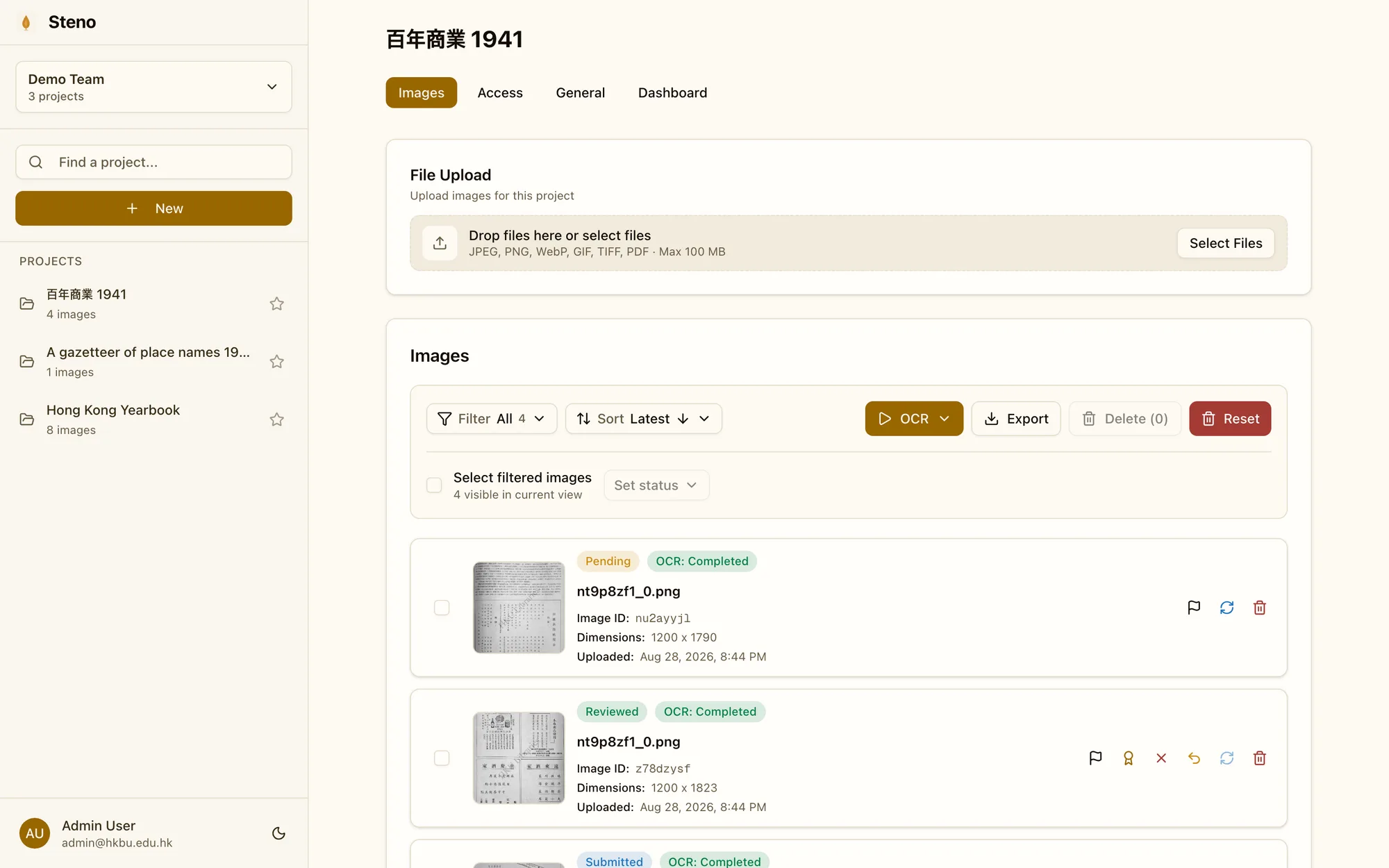
Teams and roles
Team managers assign projects, review submissions, and control who can change what. Annotators only push work forward.
Five review states
Pending, submitted, reviewed, gold, rejected. Gold pages are locked; edits require a deliberate demotion.
Revision history
Every save of a page is kept as an append-only revision you can preview and restore.
Export without lock-in
Images, boxes, text, and review states export as PNG, TXT, PDF, and JSON whenever you need them.
Steno team dashboard listing images with their OCR and review status

Built for institutional archives

What is in place today, stated plainly so procurement can rely on it.

Hong Kong residency
Application data, storage, and OCR inference are hosted in Hong Kong. Optional translation sends recognized text to Gemini on Google Cloud's Vertex AI, outside Hong Kong; workspace managers can turn translation off.
Server-side access control
Team is the isolation boundary. Roles, review transitions, and gold locks are enforced on every request; media is streamed through an authenticated proxy.
Your data trains only your model
Dataset snapshots are built per team from that team's gold pages, immutable and content-hashed.
Revision history
Every save is kept as an append-only revision with the acting user and time; nothing is silently overwritten.
Personal data under PDPO
We store only the account data needed to run the service and process document content solely for your team.
Leave with everything
Images, boxes, text, and review states export in open formats at any time; contract exit includes datasets and fine-tuned models.

Administrator audit logs and nightly production backups are available. Contact us for backup retention and data-residency documentation.

Request a demo

Tell us what you are digitising: the kind of documents, roughly how many pages, and who will be annotating. We will reply within two working days to arrange a walkthrough.

Or email us directly

contact@steno-ocr.com

Your details